

November 18, 2026
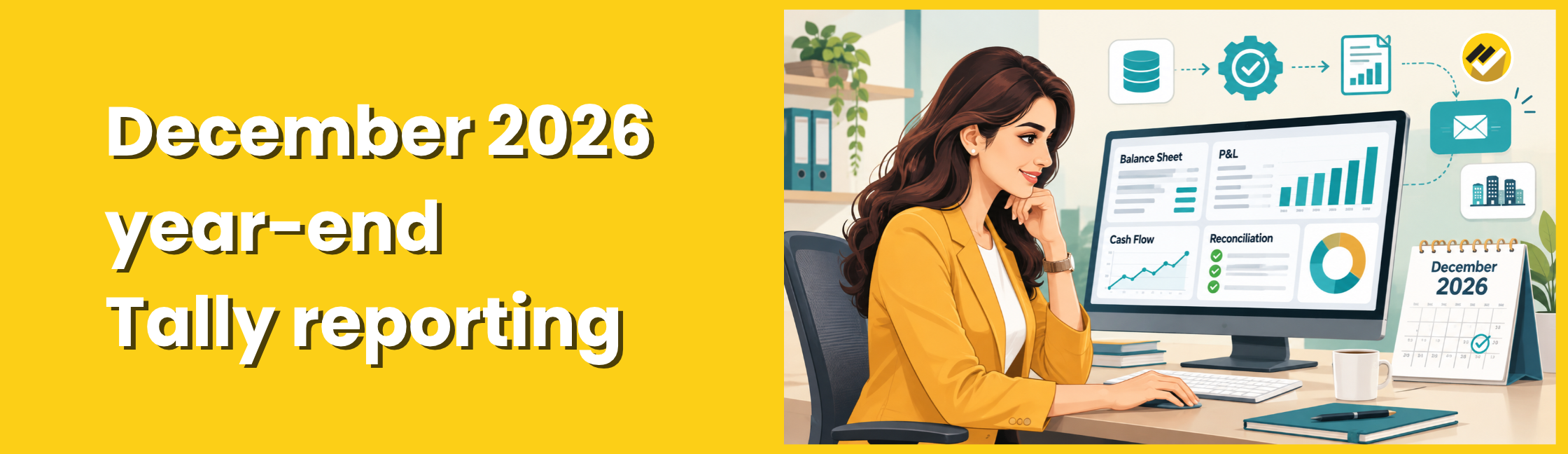
How can businesses automate December 2026 year-end reports from Tally? Businesses can automate December 2026 year-end reports from Tally by connecting a reporting tool, configuring financial statements and scheduling reports. This simplifies Balance Sheet, P&L, cash flow and reconciliation reporting while reducing manual exports and Excel work.
Why does year-end reporting from Tally take so long?
Year-end reporting runs slow because finance teams export data from Tally by hand, rebuild the same statements in Excel, and reconcile each company separately. Four habits cause most of the delay:
- Manual exports. TallyPrime exports the Balance Sheet, Profit & Loss and Trial Balance to Excel templates one company at a time. Your team repeats this for every entity and every re-run.
- Late ledger clean-up. Accountants often find at year-end that classifications need correction before statements will balance.
- Deferred reconciliations. Teams postpone bank, customer and supplier reconciliations to the last week, when Tally’s own checklist says they should finish before adjustments and statements.
- Last-minute adjustments. Accruals, prepaid expenses, depreciation, provisions and inventory changes all land in the same days, and every one changes the numbers your reports show.
Excel can bridge some of this gap. Tally Prime exports to Excel and CSV, and ODBC connectivity lets Excel query Tally directly. But you still build and maintain each workbook yourself.
What are the steps to automate year-end reports from Tally?
You automate year-end reports in six steps: clean your masters, connect a reporting tool, build each report once, schedule it, open it to managers, and lock the books after review.
- Clean your masters. Fix ledger groups, cost centres and stock items now. Clean ledger structures cut year-end workload, and every automated report depends on them.
- Connect a reporting tool to Tally. A direct connection replaces repeated exports. Your reports then read the same data your accountants post.
- Build each report once. Map ledgers to reporting heads, add the previous year as a comparative, and save the layout. You reuse it for every re-run and every company.
- Schedule the runs. Generate drafts weekly in December, then a final set on 1 January. The tool emails each report to its owner.
- Open reports to managers. Department heads check their own cost centres and drill down to vouchers, so they query you less.
- Review, then lock the books. After sign-off, lock or password-protect the company and roll over to the new year. Back up your data before you do.
Which reports should you automate before 31 December Year End?
Automate five report groups first: financial statements, budget variance, cash flow, working capital, and reconciliations. These reports feed your audit, your tax filings and your management review.
| Report group | Reports to automate | Why it matters at year-end |
| Financial statements | Balance Sheet, Profit & Loss, Trial Balance, with previous-year comparatives | Auditors and tax filings start here |
| Budget variance | Budget vs actual by ledger and cost centre | Explains the year’s gaps before the board asks |
| Cash flow | Direct and indirect cash flow, upcoming payments and receipts | Shows the cash position going into January |
| Working capital | Receivables ageing, payables, overdue items, non-moving stock, customer credit limits | Drives provisions and stock valuation |
| Reconciliations | Bank, customer, supplier and stock reconciliations | Tally’s checklist puts these first |
UAE businesses should also keep VAT and expense schedules ready. Tally’s UAE checklist links year-end closing to VAT and Corporate Tax readiness and audit documentation.
How does EasyReports speed up December 2026 year-end reporting from Tally?
EasyReports connects directly to your Tally data, builds your year-end reports once, and runs them on a schedule. Your finance team spends the last week reviewing numbers instead of compiling them. That shortens the path to auditors, tax filings and board packs.
Here is what that means for your business:
- No repeated exports. EasyReports connects directly to Tally, SAP Business One and Microsoft NAV, so your team stops copying data into spreadsheets.
- Financial statements with ledger-level detail. The Finance reports map ledgers to reporting heads automatically and deliver statements in spreadsheet or PDF format.
- Budget and cash flow views. Track budgets at ledger or cost-centre level with variance against actuals, and review direct and indirect cash flow.
- Working capital in one place. Monitor receivables, payables, overdue payments, non-moving inventory and customer credit limits.
- Scheduled delivery. Reports generate and reach their owners automatically at the times you set.
- Drill-down to transactions. Managers move from a summary figure to the underlying entries without leaving the report.
- No-code report building. Your accountants drag and drop fields to build and change reports without a developer, as EasyReports’ own year-end guide describes.
- Data stays on your servers. You install EasyReports on your own infrastructure, and you control who can view and who can change report structures.
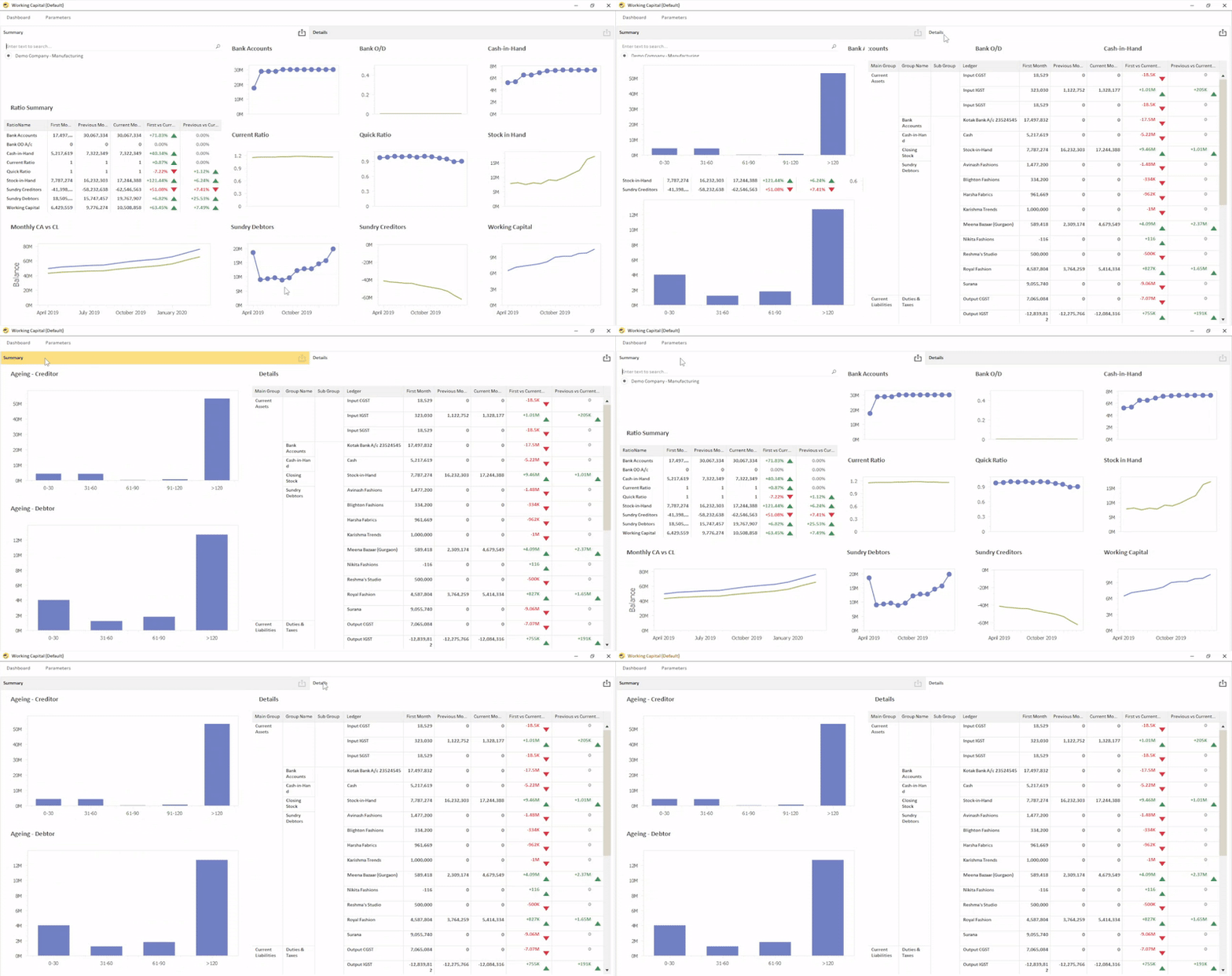

Teams that close on 31 December across several Tally companies can also consolidate them into a single report instead of merging workbooks by hand.
Ready to close your December books faster?
Book a demo. See your own Tally data in automated year-end reports. Book a demo with EasyReports.
Start a free trial. Connect to Tally and build your first Balance Sheet and P&L in one sitting. Start your free trial.
Disclaimer: This article is intended for informational purposes only. Year-end reporting requirements and accounting procedures may vary depending on the country and applicable regulations. Businesses should consult their accounting or financial professionals to ensure accurate year-end reporting and compliance with local requirements.
Frequently Asked Questions About December 2026 Year-End Reporting in Tally
1. How can businesses automate December 2026 year-end reports from Tally?
Businesses can connect Tally to a reporting tool, configure financial statements and schedule report generation. This reduces manual exports and repetitive Excel work.
2. Which financial reports should businesses prepare for December 2026 year-end closing?
Businesses should prepare the Balance Sheet, Profit & Loss, Trial Balance, cash flow statements, budget variance reports, receivables and payables ageing, inventory reports and reconciliation statements.
3. Can TallyPrime generate year-end financial reports automatically?
TallyPrime provides built-in financial reports and export options. Businesses needing scheduled delivery, customised layouts and multi-company reporting can connect it to a dedicated reporting solution.
4. How can I automate Balance Sheet and Profit & Loss reports from Tally?
Connect Tally to a reporting automation tool, map ledger groups to financial statement heads and configure the required reports for automated generation.
5. Can businesses consolidate year-end reports from multiple Tally companies?
Yes. A multi-company reporting solution can consolidate financial information from multiple Tally companies, making it easier to compare performance and review financial results.
6. How can automated reporting reduce year-end closing time?
Automated reporting reduces repetitive exports, spreadsheet preparation and report compilation, allowing finance teams to focus on reconciliations and financial reviews.
7. Can year-end reports from Tally be scheduled for automatic delivery?
Yes. Reporting tools such as EasyReports allow businesses to schedule reports and deliver them to designated users at predefined intervals.
8. Is Excel sufficient for December 2026 year-end financial reporting?
Excel can handle reporting using Tally exports and ODBC connections. However, businesses managing multiple companies and customised reports may benefit from dedicated reporting automation software.