EasyReports helps businesses transform raw SAP Business One and SAP HANA data into meaningful business insights with powerful SAP B1 Reports and analytics. You can generate SAP B1 Reports, simplify complex data analysis and gain real-time visibility into finance, sales, inventory, purchasing and other business operations. EasyReports also helps you automate SAP B1 Reports, access ready-to-use dashboards and improve reporting efficiency.
Financial Reports for SAP B1
Stay in control of your business with accurate financial data
-
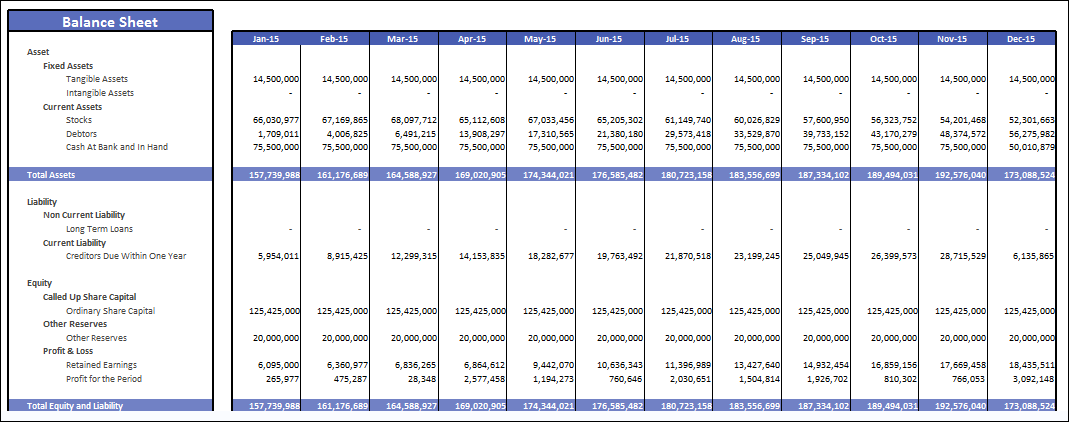
Consolidated financial position instantly with up-to-date data
-
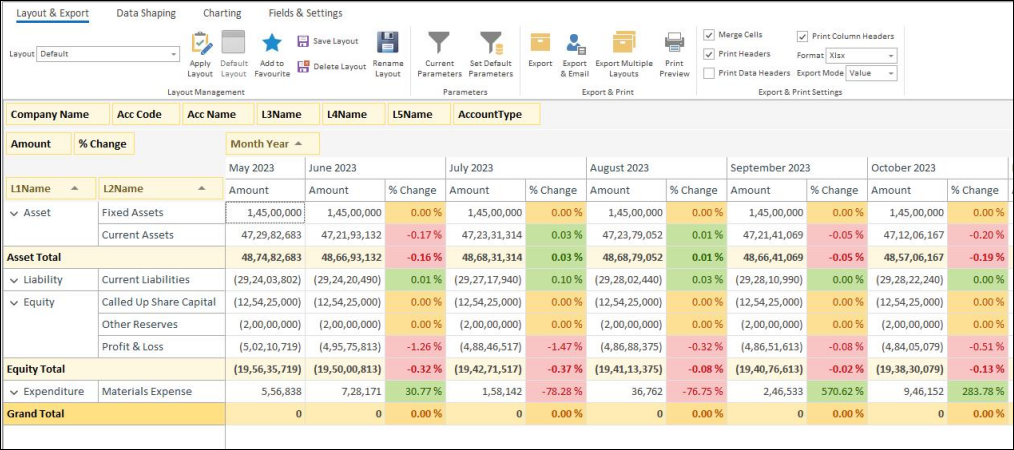
Compare balance sheet month-on-month for trend analysis
-
Quick check of debits, credits, and ledger accuracy
-
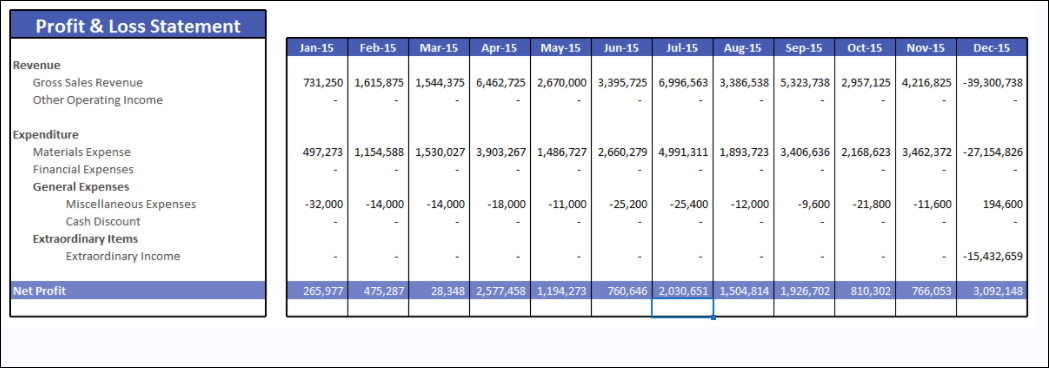
Track profitability trends and variance analysis month-on-month
-
Identify high-cost areas and optimize expenses effectively
Track every transaction with clarity using SAP Business One reporting.
-
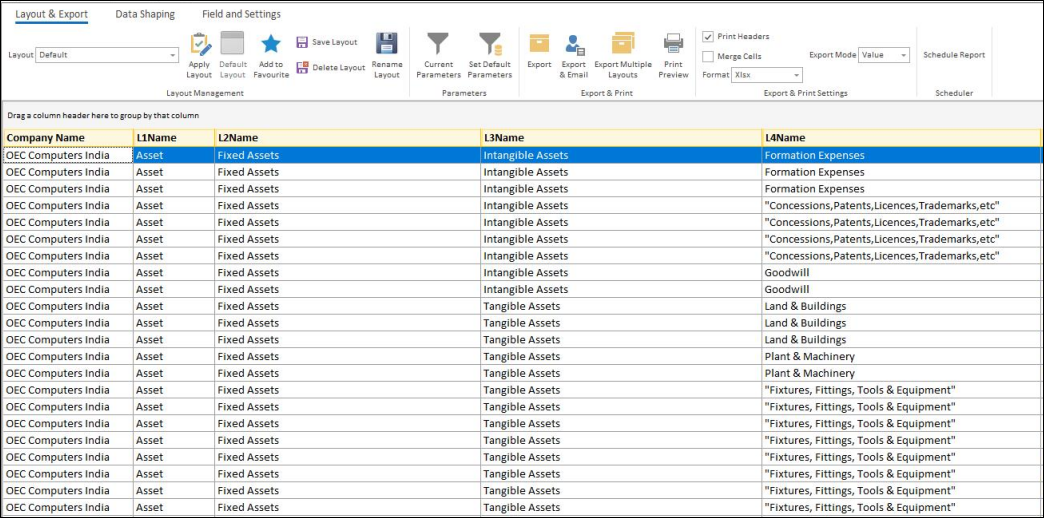
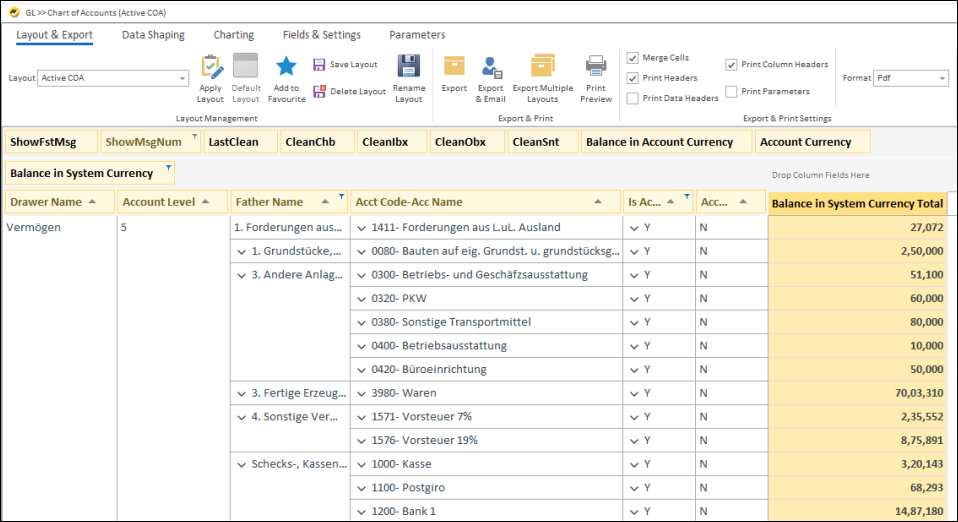
Visualize the complete structure of your accounts in a hierarchical format
-
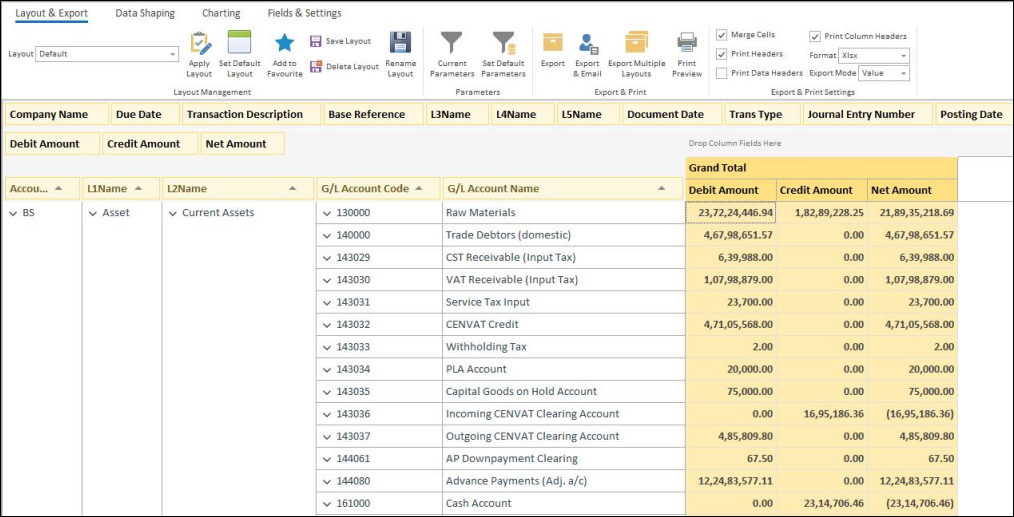
View all ledger transactions in detail
-
Track debit and credit entries for accurate bookkeeping
-
Detect anomalies and ensure transactional accuracy
Track, analyze and manage items with accurate SAP B1 reports.
-
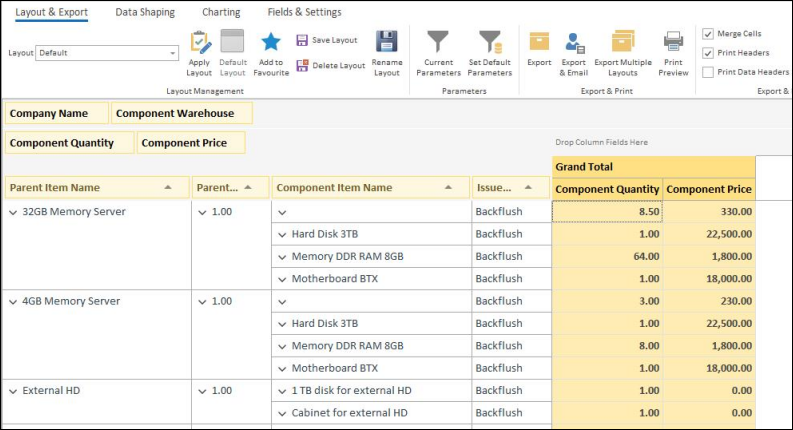
Get BOM breakup of the finished and semi finished goods
-
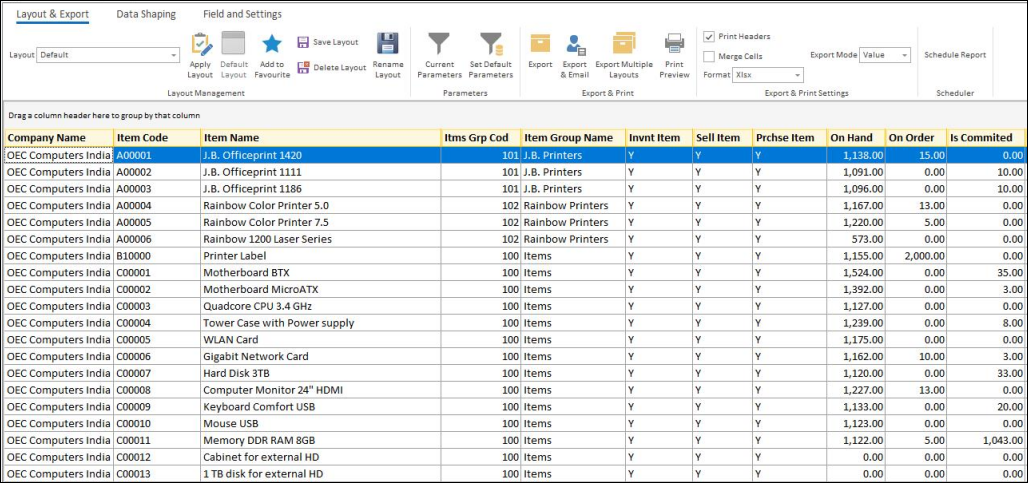
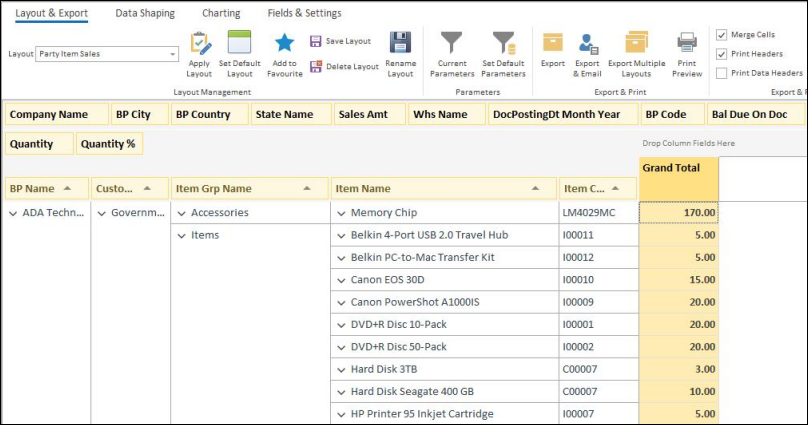
Identify slow-moving and fast-moving items
-
Improve warehouse and inventory planning
-
Avoid duplication and errors in inventory management
-
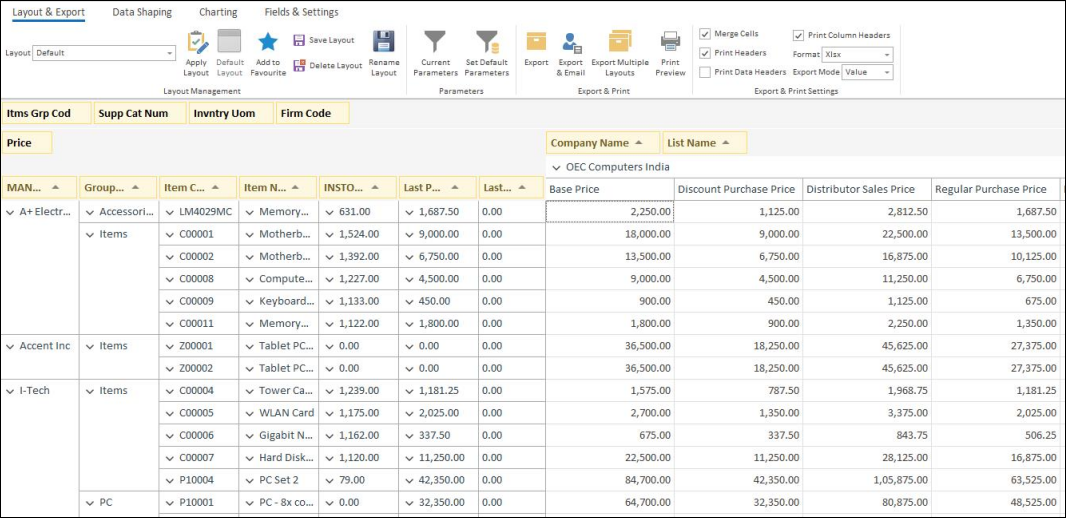
Track and manage item-wise price lists across vendors and customers
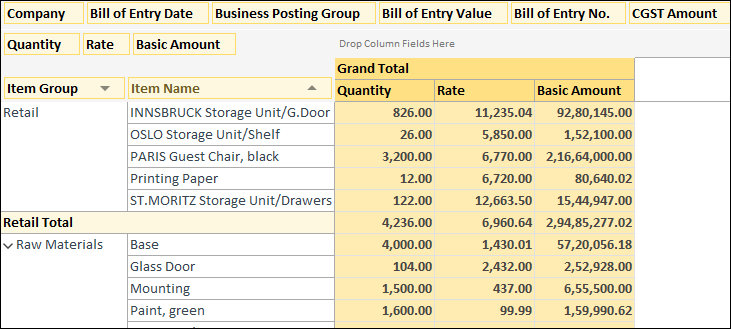
Boost sales performance with real-time SAP Business One data.
-
Identify dormant customers and plan engagement strategies
-
Track unused inventory to optimize storage and sales focus
-
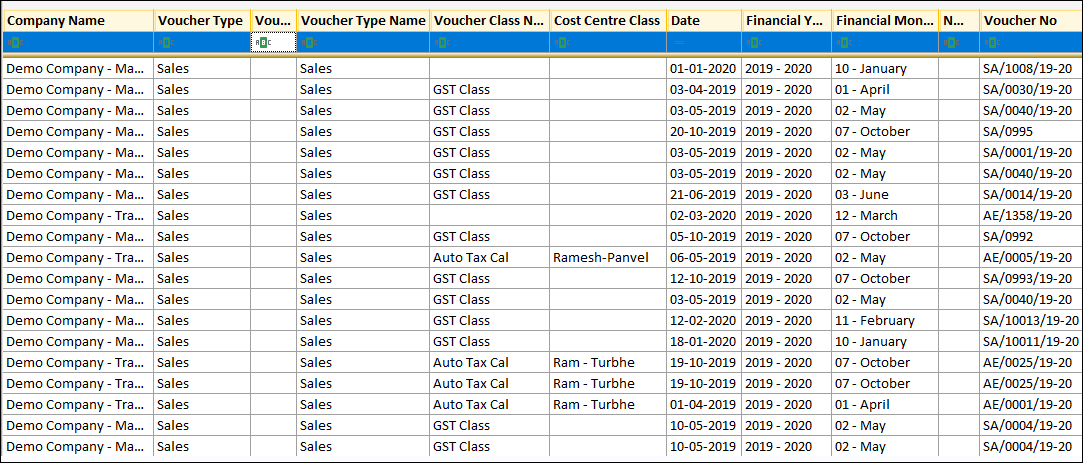
Track all sales transactions with ease for reporting and auditing
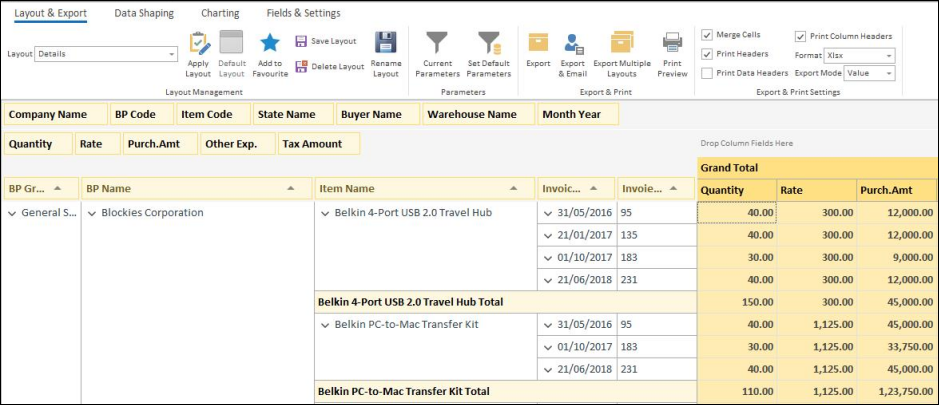
Smarter insights for better procurement control
-
Analyze purchase trends and supplier performance easily
-
Track and manage all purchase returns efficiently
-
Identify returned items, reasons, and associated vendors quickly
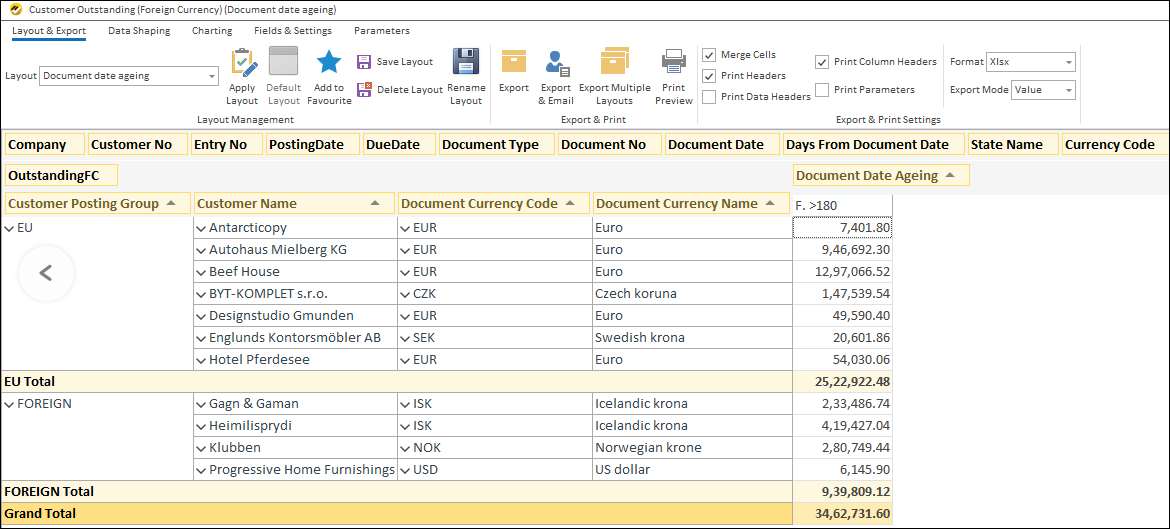
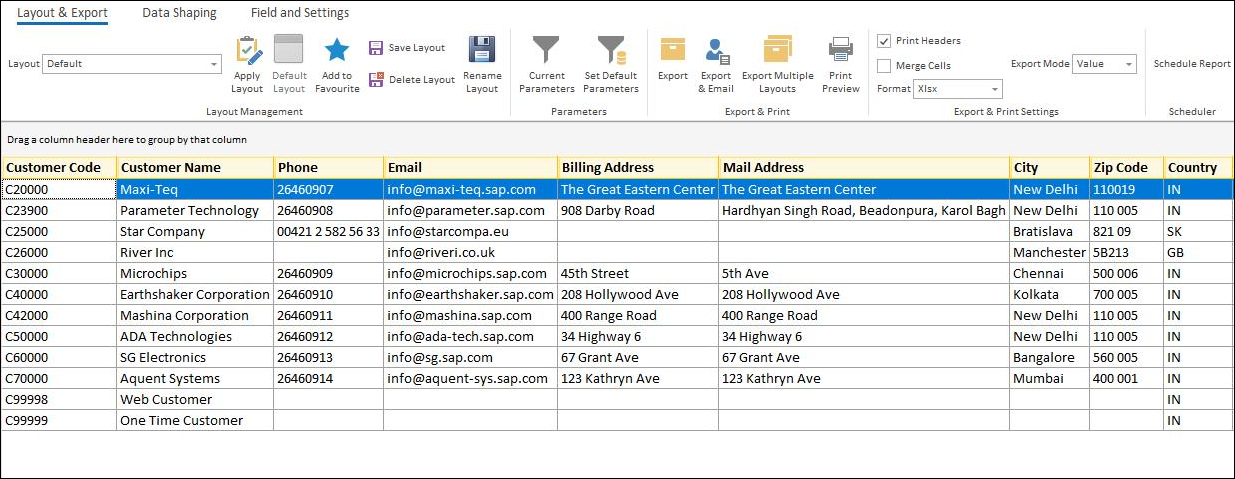
Understand customers better with data-driven SAP Business One insights.
-
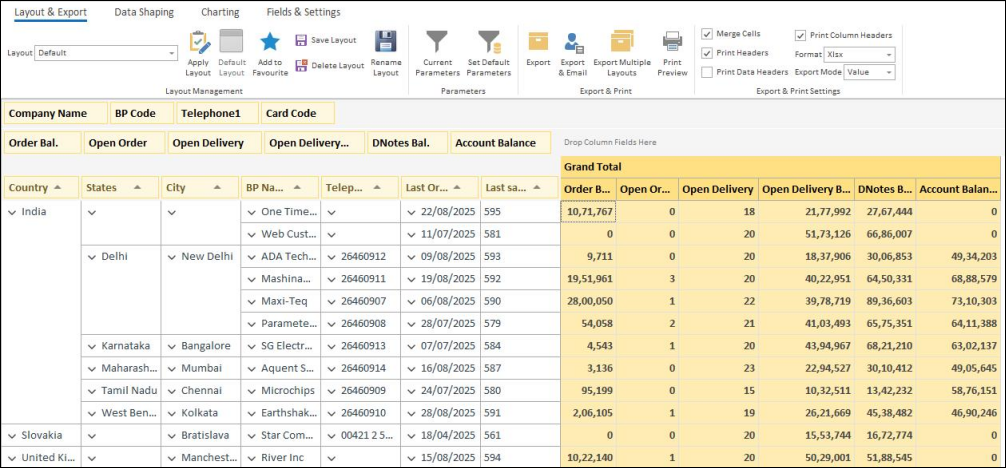
View outstanding receivables and overdue payments for faster collections
-
Maintain an organized customer/supplier master list for quick access
-
Get full visibility of customer transactions for auditing and analysis
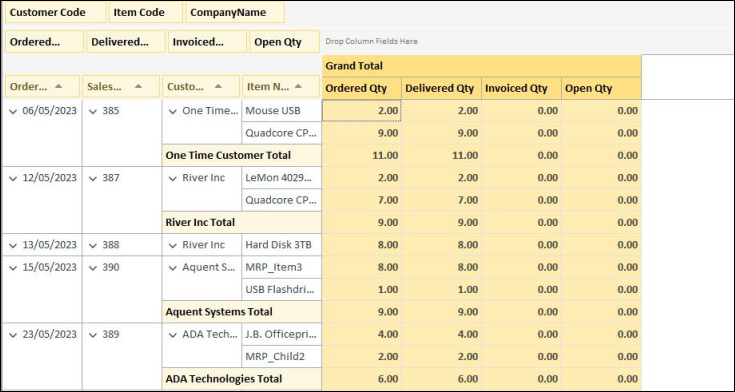
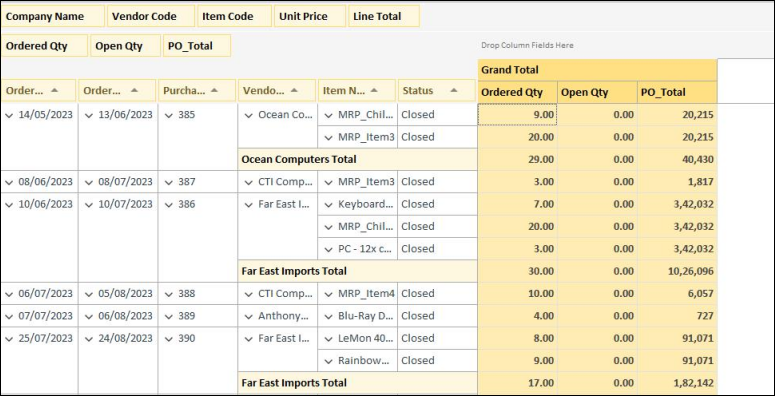
Gain complete control with detailed order insights
-
Comprehensive Purchase & Sales Order Tracking
-
Instantly Identify Pending & Overdue Orders
-
Find Order Details by Any Criteria
Looking for a smarter way to create SAP B1 Reports and analyze your SAP Business One or SAP HANA data? Explore EasyReports with a free personalized demo to experience ready-to-use reports, real-time dashboards & advanced SAP B1 analytics.
Advanced SAP B1 Reporting & Analytics Features
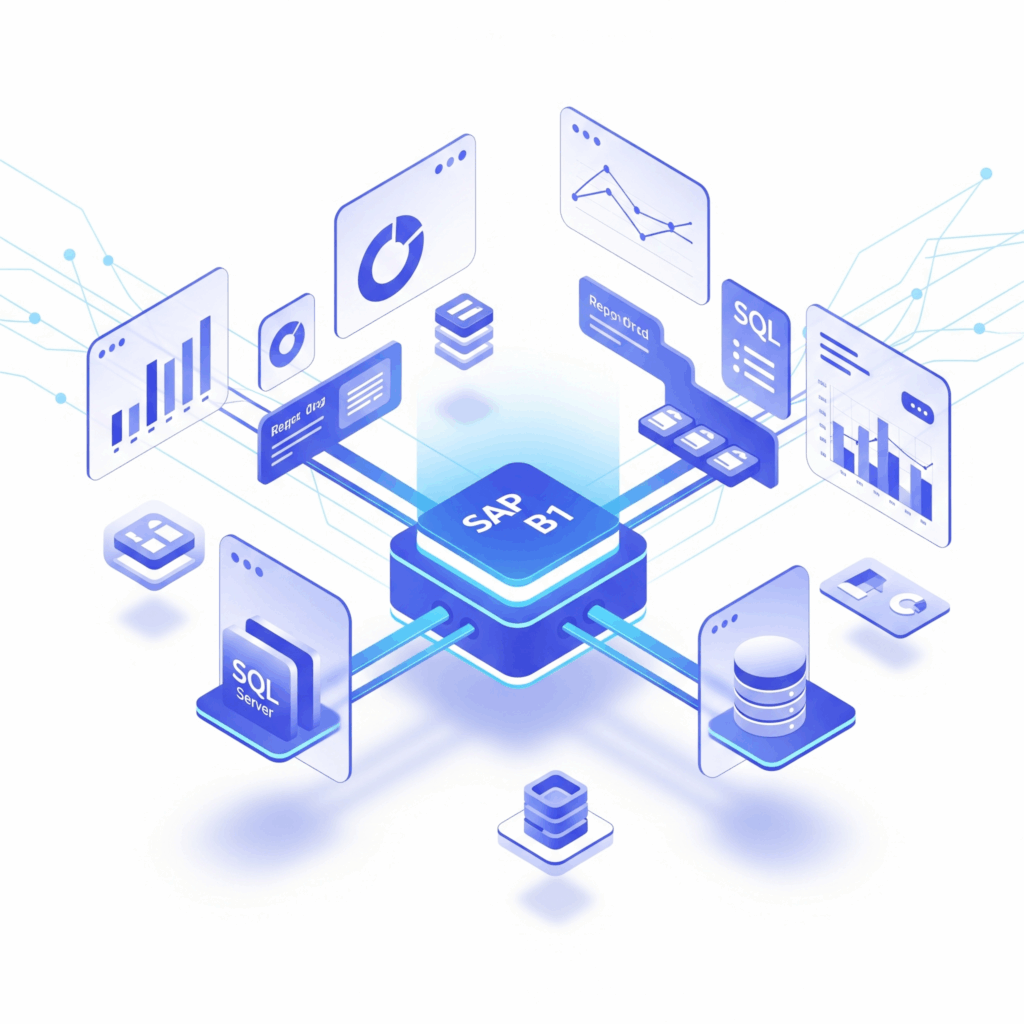
EasyReports provides ready connectivity with SAP B1 SQL Server and SAP HANA databases
-
Connect to data sources in seconds
-
Create data models – write SQL queries or reuse existing ones
-
Use data models and parameters to create drag and drop reports
-
All done in minutes – your reports are ready to go
Write Once, Run For All Companies
With multi-company consolidation built in by default, you can create consolidated SAP B1 Reports without writing separate logic for each company.
-
Built in company selection parameters to work on company master
-
Simple way to assign company selection parameter to data models for consolidated reports
-
EasyReports’ Data Processing Engine ensures data model is executed for selected companies while running the reports
Data Security and Authorization
On-premise deployment helps secure SAP B1 reporting with access controls and granular user permissions.
-
No data flows outside your control to our or third-party cloud servers
-
Configure roles for users to provide access to required reports
-
Configure field-level security to ensure granular access control for users
-
Supports both on-premise and cloud deployment for organizational control
Automate SAP B1 Reports and distribute them automatically to individual users or teams.
-
Scheduling supports all types of reports and dashboards with customized layouts
-
Daily, weekly, monthly, a particular day of week or month, etc. Never miss out on information
-
Easy to configure and monitor
-
Simple and detailed logging of report schedule execution
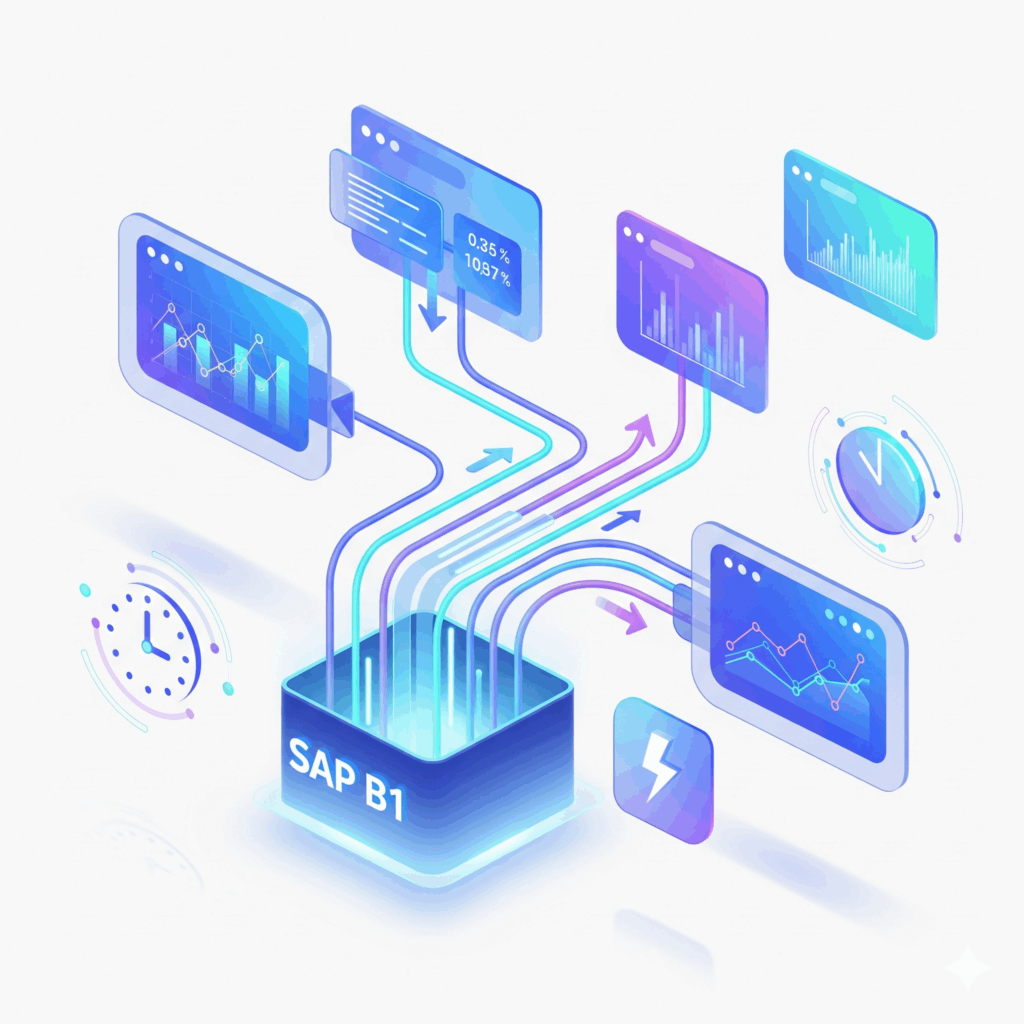
Real-Time SAP B1 Data Integration
No more waiting for data refresh to happen before you can view the reports.
-
Connect to the SAP B1 or SAP HANA database directly
-
Get real time data whenever you execute the report
-
Save time and effort in configuring data update processes